
 

mcDonald is a frame-by-frame analysis toolkit for measuring the kinematics of an unknown object in a single-camera video.
mcDonald is a deterministic and multi-platform open source tool to drive scientific investigation of Unidentified Anomalous Phenomena. The toolkit works on any video, optical or infrared, including the PURSUE sensor videos or any of your own. The mcDonald UAP Toolkit is part of Project Janus by Blue Marble Space.
-
Graphical Interface
Intended for people. mcDonald walks you through each step. Click the icon to launch or type:
mcdonald-gui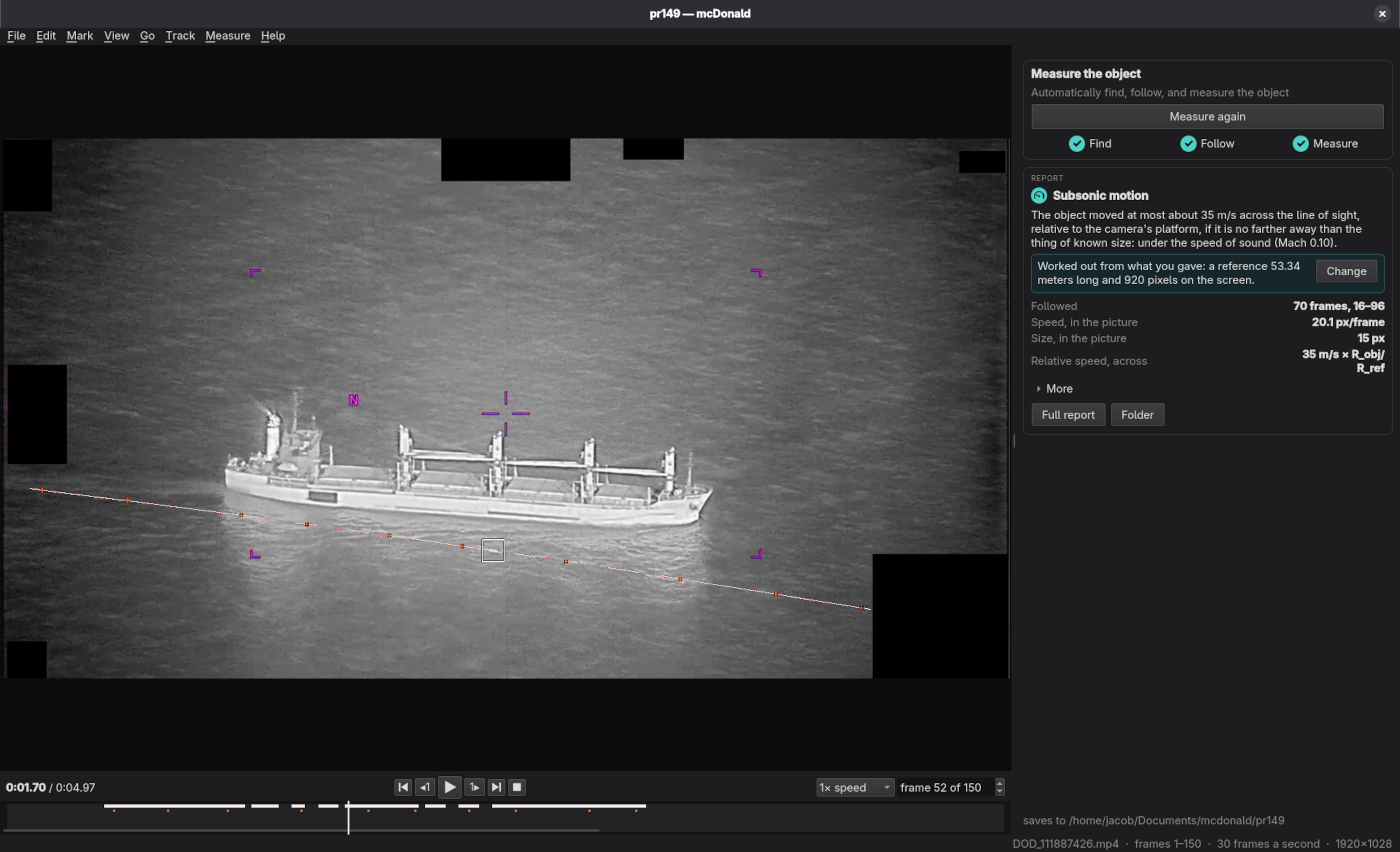
-
Command Line
Intended for developers, advanced users and AI agents. Type commands in a shell prompt.
mcdonald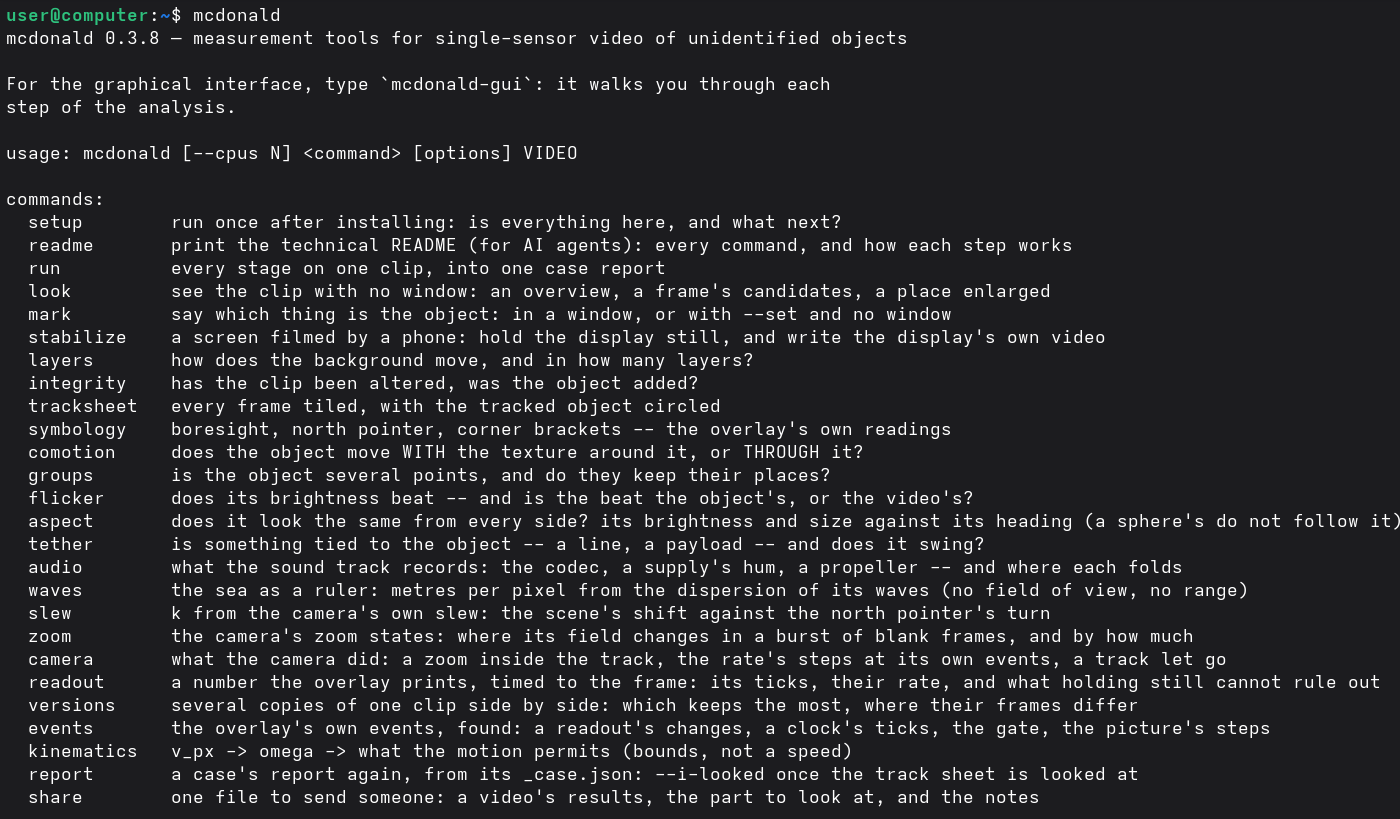
Install
- Prerequisite: make sure ffmpeg is installed:
brew install ffmpeg(Mac),winget install Gyan.FFmpeg(Windows),sudo apt install ffmpegorsudo dnf install ffmpeg(Linux). -
Install mcdonald (needs Python 3.10 or newer):
python3 -m pip install mcdonald -
Check your setup, which also provides instructions on what to do next:
mcdonald setup
When a newer version is out, mcdonald-gui offers to update itself when it starts, and the
command line prints the command to update with. To ask at any time: Help → Check for updates
in the window, or mcdonald setup on the command line.
New to Python or the terminal? Installing mcdonald walks through each step in detail.